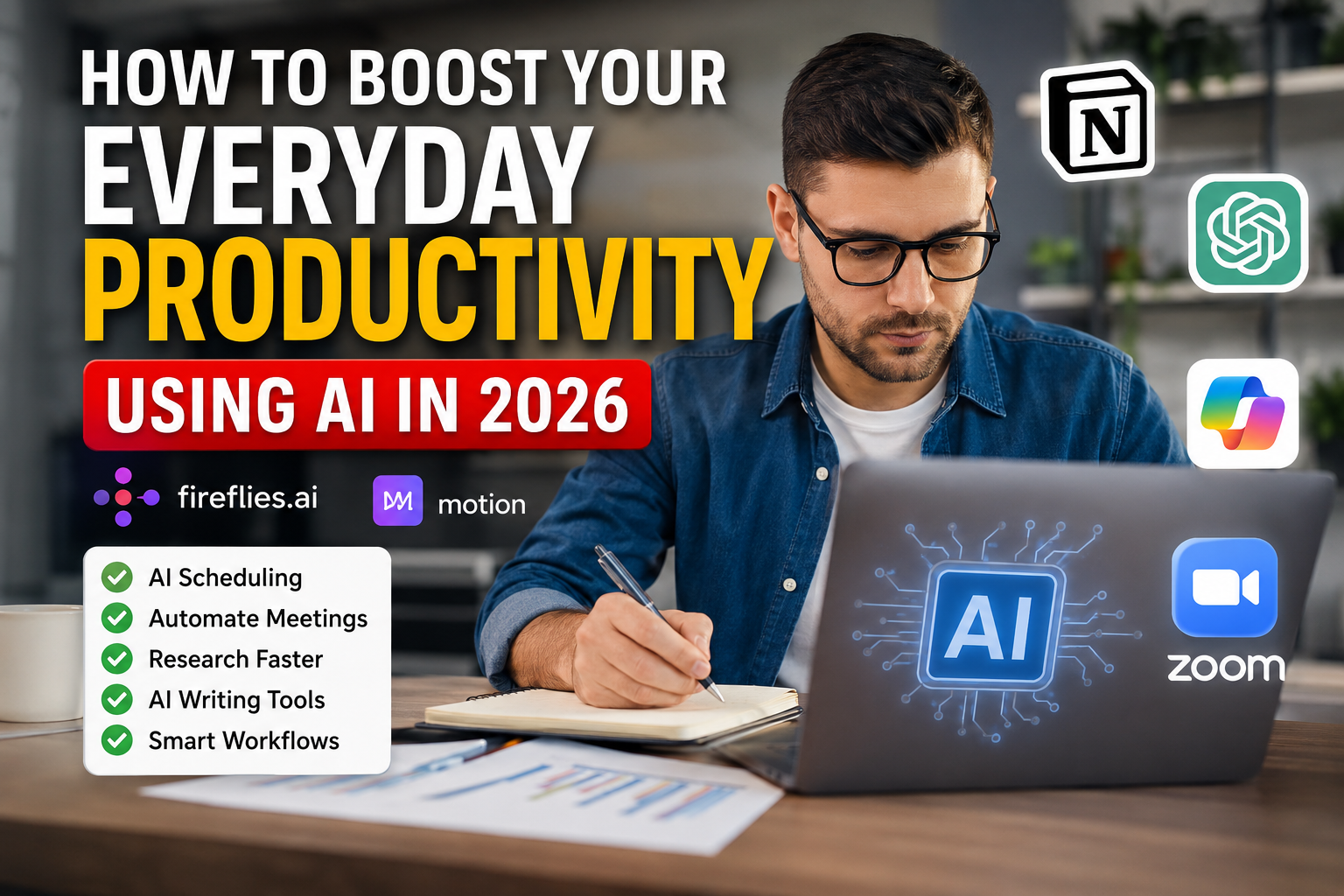
How to Boost Your Everyday Productivity Using AI in 2026
To boost everyday productivity using AI, you must look beyond standalone chatbots and integrate intelligence directly into the software you already use. In 2026, artificial intelligence serves as the connective tissue of modern workflows, transforming how knowledge workers operate from active task management to passive, AI-assisted review.
Also read:
Big Church Festival Sign Collapse: 1 Dead, 6 Injured in Sussex
According to Microsoft’s 2026 Work Trend Index, 66% of AI users report that the technology allows them to focus on high-value work, and 58% are producing work they simply could not have accomplished a year ago. Full adopters of AI productivity tools save an average of 4 to 6 hours per week, contributing to a global productivity gain potential estimated at $4.4 trillion annually by the McKinsey Global Institute.
Here is a comprehensive guide on how to integrate AI into your daily routine to eliminate busywork, streamline communication, and reclaim your focus.
1. Reclaim Your Calendar with AI Scheduling
Time management has historically required constant manual adjustment. You calculate focus time, shuffle meetings when conflicts arise, and try to balance deep work with collaborative calls. One of the fastest ways to boost everyday productivity using AI is to let intelligent scheduling tools eliminate this friction by dynamically managing your availability.
Predictive Time Blocking: Tools like Motion and Reclaim analyze your task list, project deadlines, and meeting habits to automatically block out focus time.
Dynamic Rescheduling: When an urgent client meeting is dropped onto your calendar, an AI scheduler automatically moves your independent work blocks to the next available slots without requiring manual intervention.
Habit Integration: You can program AI to ensure you always have 30 minutes for email review in the morning or an hour for strategic planning on Fridays, protecting your fundamental routines from being overrun by ad-hoc meetings.
2. Automate Meeting Notes and Action Items
Corporate research indicates that up to 43% of meetings produce no clear action items. Attending meetings, taking notes, and distributing follow-ups can consume hours of a professional’s day. AI meeting assistants have transformed this process from a manual chore into an automated pipeline.
Instant Transcriptions and Summaries: Platforms like Fireflies.ai, Microsoft 365 Copilot, and Zoom AI automatically transcribe conversations and generate concise executive summaries.
Action Item Extraction: Instead of re-reading notes to figure out who is responsible for what, AI agents extract promises made during the call and assign them directly to team members in your project management software.
Contextual Recall: You can query your AI assistant weeks later (e.g., “What did we decide about the Q3 budget in last month’s marketing sync?”) and receive an instant, accurate answer without digging through folders.
3. Accelerate Research and Web Work
Researching competitors, gathering market data, or reviewing long-form documentation often involves endless tab switching. Bringing AI directly into the browser environment reduces the distance between searching and doing.
In-Browser AI Agents: Tools like Sigma Browser integrate AI directly into the browsing experience. You can use features like “Chat With Page” to summarize lengthy PDFs, compare information across multiple open tabs, or extract specific data points without leaving the webpage.
Fact-Checking and Synthesizing: Perplexity AI serves as an advanced research engine, pulling real-time data from the web and providing cited, synthesized answers rather than a simple list of blue links. This drastically cuts down the time spent verifying statistics or learning new industry concepts.
Privacy-First Web Tasks: For sensitive corporate research, modern browsers are utilizing local AI models to process data directly on the user’s device, ensuring that proprietary company information is not sent to external cloud servers.
4. Transform Writing and Content Creation
Drafting emails, reports, and content from a blank page is a major bottleneck. Foundational AI models are best utilized as collaborative thought partners to overcome the “blank page syndrome.” When you boost everyday productivity using AI for writing, you shift your role from drafter to editor.
Drafting and Ideation: Use ChatGPT or Claude to generate initial outlines, brainstorm angles, or draft routine emails. By providing the AI with clear context, tone rules, and constraints, you can generate an 80% complete draft in seconds.
Knowledge Base Integration: Tools like Notion AI connect directly to your company’s wikis, project boards, and databases. You can ask Notion to draft a project update based entirely on the tasks completed in your workspace over the past week, eliminating the need to manually compile progress reports.
Refining and Polishing: AI is highly effective at adapting existing text. You can draft a messy, bulleted brain-dump and instruct the AI to rewrite it as a professional executive summary or a persuasive client pitch.
5. Connect Your Tech Stack with AI Workflows
The true value of AI in 2026 lies in ecosystem compatibility. The fewer windows you have to switch between, the more productive you become.
Workflow Automation: Platforms like Zapier integrate AI to build custom automated workflows across thousands of apps. For example, you can set up a system where every time a lead emails you, AI analyzes the intent, drafts a personalized reply, and logs the interaction in your CRM automatically.
Closing the Execution Gap: Microsoft’s research indicates that while individual AI skills are growing, organizations often lack the structure to support seamless AI execution. To bridge this gap, ensure your AI tools are connected to your action-oriented platforms—linking your AI email assistant directly to your task manager, or your AI meeting bot directly to Slack.
FAQs
Q: Will AI productivity tools replace my current software stack? A: Not necessarily. The current trend is AI integration rather than replacement. Most major software providers—including Google Workspace, Microsoft 365, and Notion—have embedded AI directly into their existing platforms so you can enhance your current workflows without migrating to entirely new systems.
Q: How do I ensure the accuracy of AI-generated work? A: Treat AI as a highly capable intern, not an infallible expert. Always verify facts, numbers, legal claims, and specific data points before publishing or sending out AI-generated content. Foundational models can still hallucinate or sound confident while being incorrect.
Q: What is the best AI tool for a beginner to start with? A: A general-purpose conversational assistant like ChatGPT or Claude is the best starting point. They allow you to experiment with prompting for everyday tasks like email drafting, brainstorming, and summarizing documents before investing in specialized workflow tools.
Q: Are AI tools a security risk for company data? A: It depends on the tool and the tier you use. Free consumer tiers of AI models often train on user inputs. However, enterprise tiers (like Microsoft Copilot for Enterprise or ChatGPT Team/Enterprise) and local AI solutions (like Sigma Browser’s local models) ensure that your business data remains private and is not used to train global models. Always review your company’s IT policies before inputting sensitive data.
Moving Forward with AI Integration
Maximizing daily output requires moving beyond basic chatbot interactions and embedding intelligence directly into where your work actually happens. When you successfully boost everyday productivity using AI to manage your calendar, automate administrative meeting tasks, synthesize web research, and draft content, you remove the friction of routine execution. The goal is not just to do things faster, but to fundamentally redesign your workflow so that the software handles the execution while you reserve your cognitive energy for strategy, creativity, and high-value decision-making. Start small, integrate deeply, and let AI close the gap between your ideas and your output.
Official News Links & Trusted Sources
Microsoft Work Trend Index (2026): “AI Is Moving Faster Than Enterprise Systems Can Adapt” – Details the 2026 findings on AI adoption, organizational readiness, and the shift from AI adoption to AI absorption.
Microsoft WorkLab: “2026 Work Trend Index report: Agents, human agency…” – Official data highlighting that 66% of surveyed AI users spend more time on high-value work.
The Ultimate Guide to AI Productivity Tools (2026): – Highlights McKinsey’s $4.4 trillion global productivity gain potential and the 4-6 hours saved weekly by AI power users.
10 Best AI Productivity Tools in 2026: – Breakdown of emerging tools like Sigma Browser for private, browser-based AI workflows.
7 Best AI Productivity Tools in 2026 I Actually Use Every Day: – Reviews of foundational stack tools including ChatGPT, Claude, Motion, Notion AI, and Fireflies.ai.